MyEasyfairs Webshop
You can order additional items for your stand, including power & lighting, floor covering, graphics, AV, stand fitting and furniture through the MyEasyfairs webshop which is access through MyEasyfairs here.
Please take advantage of the early bird rates to order additional items for your stand to receive the best rates possible. The early bird deadline is 21st September 2026, any orders after this date will be subject to 25% surcharge.
If you have any questions on items, or would like any help in placing an order, please contact the Webshop Team on webshop_ukmetals@easyfairs.com
If you have not received your login to MyEasyfairs, please contact emma@ukmetalsexpo.com
How to Order from the Webshop
Step 1
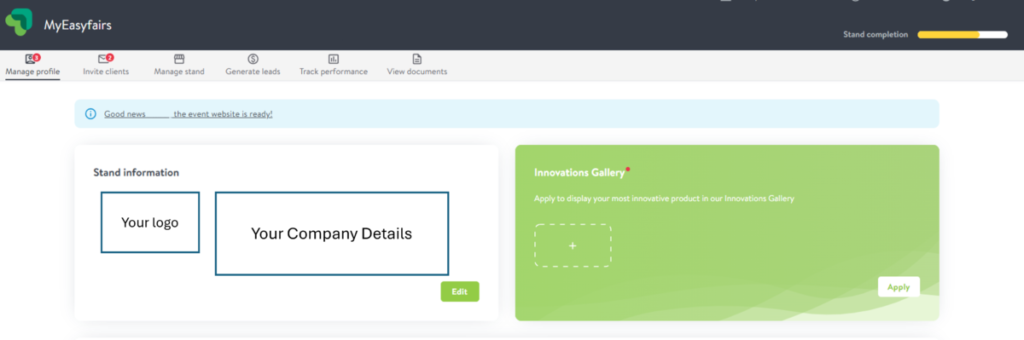
First log in to your MyEasyfairs account, then select ‘Manage Stand’ for your stand at UK Metals Expo 2026. If you have not set up your account, this will say ‘set up stand’. Please click this and complete setting up your stand.
Step 2
Once you have selected ‘Manage Stand’ a page should display with your stand information and icon options along the top. Click ‘Manage Stand’ again to be access all the details on items already included in your stand package.
Step 3
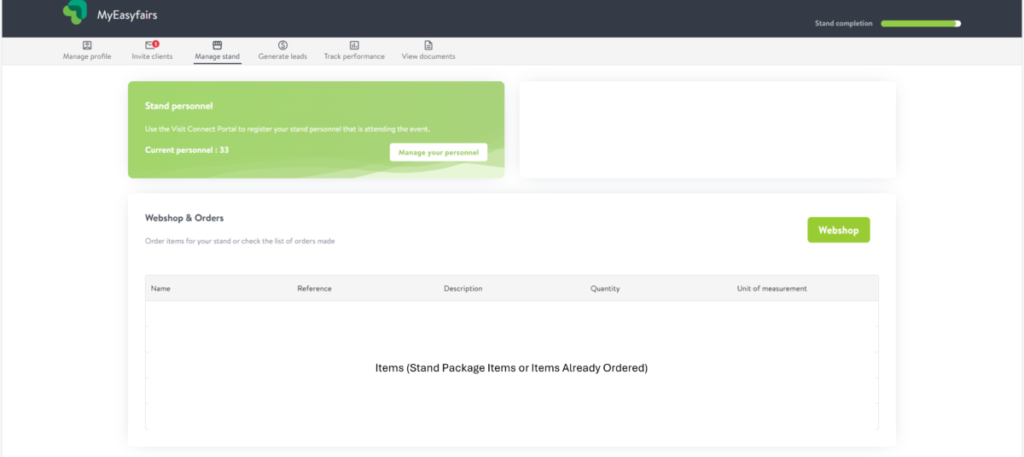
When scrolling on the ‘Manage Stand’ page you should see the list of your items (this includes those in your stand package and any items ordered), as well as a green icon named ‘Webshop’. Click on this green button to access the webshop.
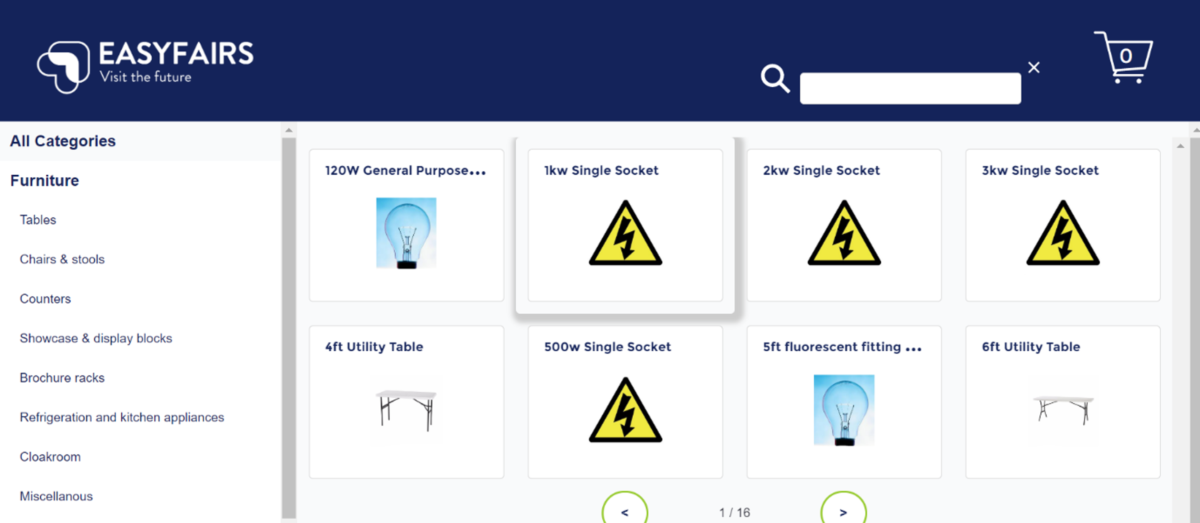
Once within the webshop you can browse all the products available, which are categorised for easy finding. The products will have an image and price displayed, and the description is available upon clicking on the image.
Step 4
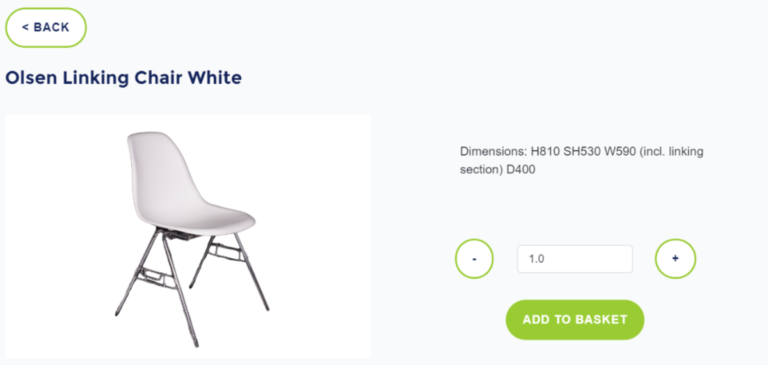
To order an item, click on the image from the home screen, which will then show more details and then the option to ‘Add to Basket’. Adjust the quantity accordingly, and click the green button.
Please note with carpet, the quantity is based on your total stand SQM size, and the quantity needs to be your total stand space.
Please also note that graphics, the quantity is based on panels you would like to be covered with your artwork. For example, if you could like 3 panels covered with graphics, please order 3 x graphics.
Step 5
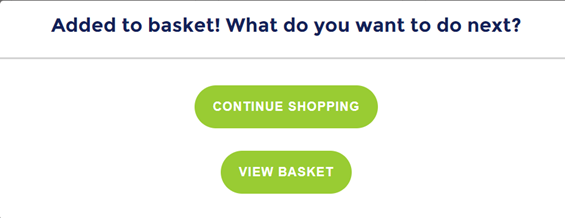
Once added to the basket, you can either continue shopping or view your basket.
Step 6
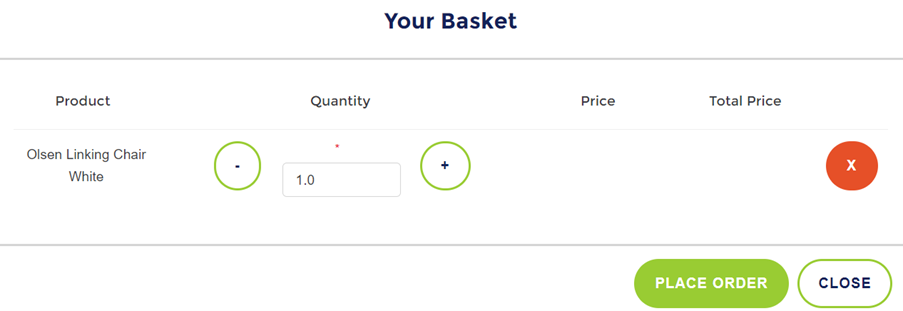
Your Basket will open. Please note, once you click ‘Place Order’, you will not receive a confirmation message – however you will receive an invoice via our accounts team within a few days of your purchase. Please also note, we can’t send invoices out to external stand builders.
Please note, if ordering electrics or stand fitting, orders cannot be processed unless a completed grid plan is emailed to webshop_ukmetals@easyfairs.com
The grid plan template can be found here. If you have any questions on how to complete the grid plan, please see the how do document here.
For any questions on ordering, please do not hesitate to contact us.